1:1 VALORANT 103° Horizontal FOV
Uses the exact 0.07° per count yaw/pitch rotation formula with 103° default horizontal FOV so flick distances feel identical to VALORANT.
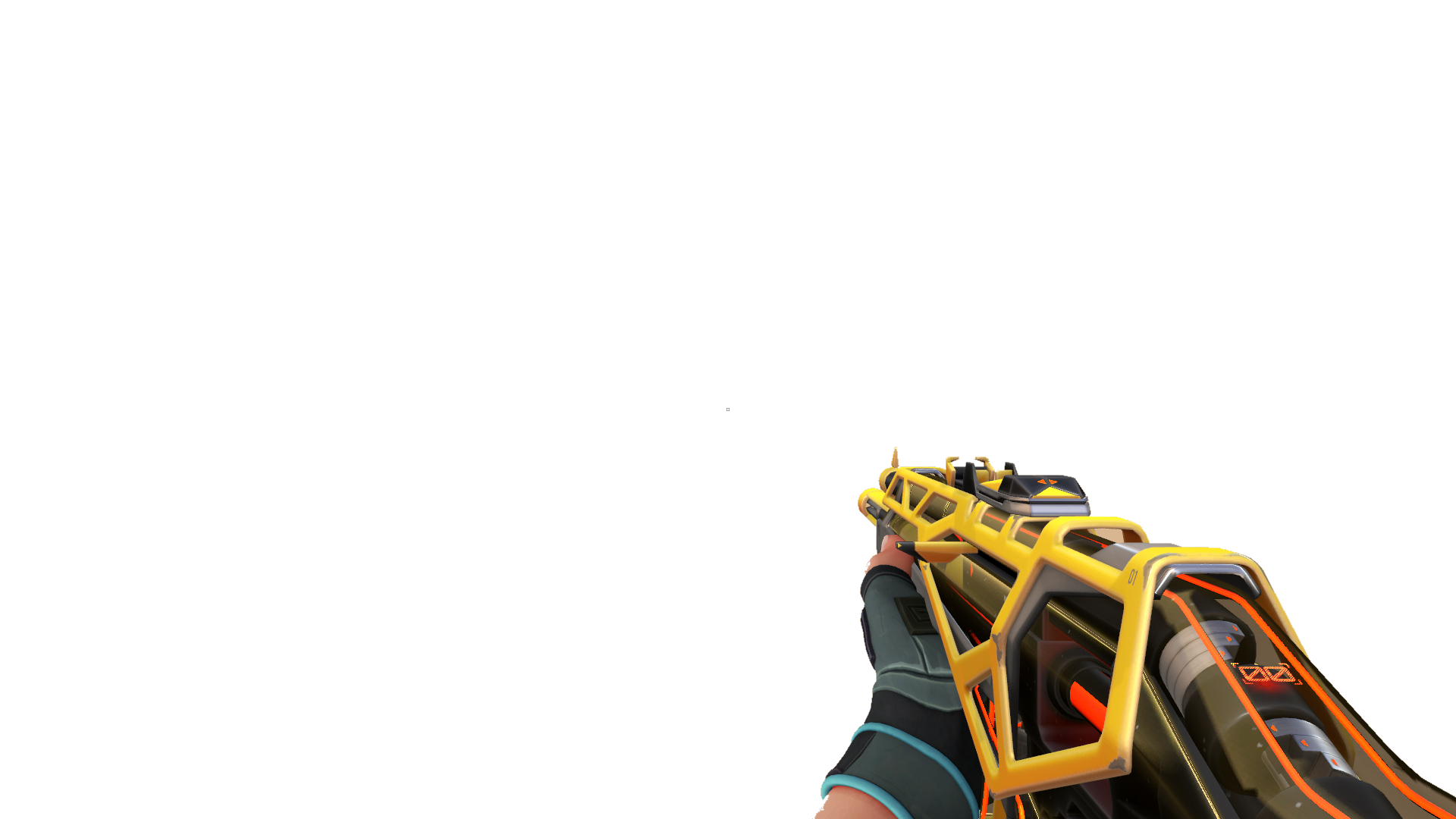
Advance through three tactical sectors inside PRISM Neural Range. Clear calibration beacons, survive unauthorized overload nodes, and keep your armor intact.
Routine PRISM calibration turns hostile mid-sequence. Clear 3 advancing waves (8 large → 12 medium → 8 timed overload cores) before your 3-segment armor breaks.
Earn 3★ on Prototype Stage to decrypt Classified Log #049.
Progress is saved in this browser. Export a backup file before clearing browser data or switching devices.
Complete a round to record your first result.
This 3D aim trainer online runs directly in your browser with zero client downloads, projecting targets in real first-person perspective space so horizontal and vertical mouse movements match VALORANT and CS2 camera angles.
Every shot in this 3D aim trainer online uses real perspective raycasting, Pointer Lock raw mouse input, and customizable 90°–115° horizontal field of view. Whether you need a quick 5-minute Gridshot online warm-up, steady 3D tracking practice, or an intense tactical campaign run before queuing ranked, you can open this browser FPS firing range and start shooting immediately without installing a heavy desktop client.
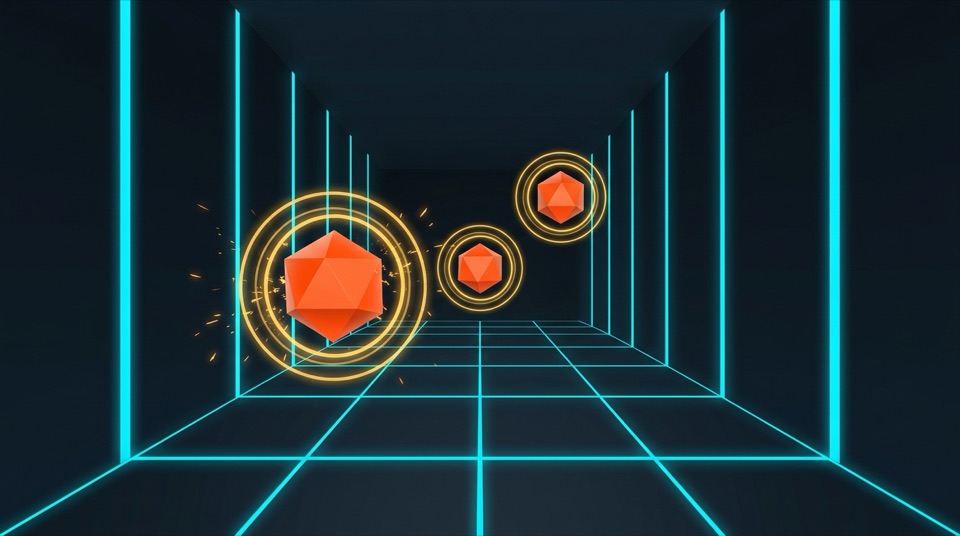
Uses the exact 0.07° per count yaw/pitch rotation formula with 103° default horizontal FOV so flick distances feel identical to VALORANT.
Targets and tactical range bots spawn from 10m to 24m with perspective scaling, teaching clean micro-adjustments across near and far angles.
Your equipped weapon skin, combo hit audio, custom crosshair, and cloud training history carry over seamlessly across 2D and 3D modes.
Different gunfights demand different mouse control mechanics. Wide target transfers rely on fast arm sweeps, whereas long-range duels require relaxed finger micro-adjustments and disciplined first-shot confirmation. Using a 3D aim trainer online lets you isolate each mechanic inside the exact same camera perspective you see in tactical shooters.
Switch freely between the Echo Protocol Story Campaign and four dedicated Free Range drills at the top of the arena. All modes share your sensitivity, crosshair, weapon hand, and unlocked skin audio.
| Training Mode | Primary Aim Skill | 3D Spatial Behavior | In-Game Ranked Application |
|---|---|---|---|
| Story Campaign (Echo Protocol) | Target Priority & Composure | Three auto-advancing sectors ending with 3.0s spiked overload cores and 3-segment armor | Staying calm under clutch pressure and eliminating the highest-threat enemy first |
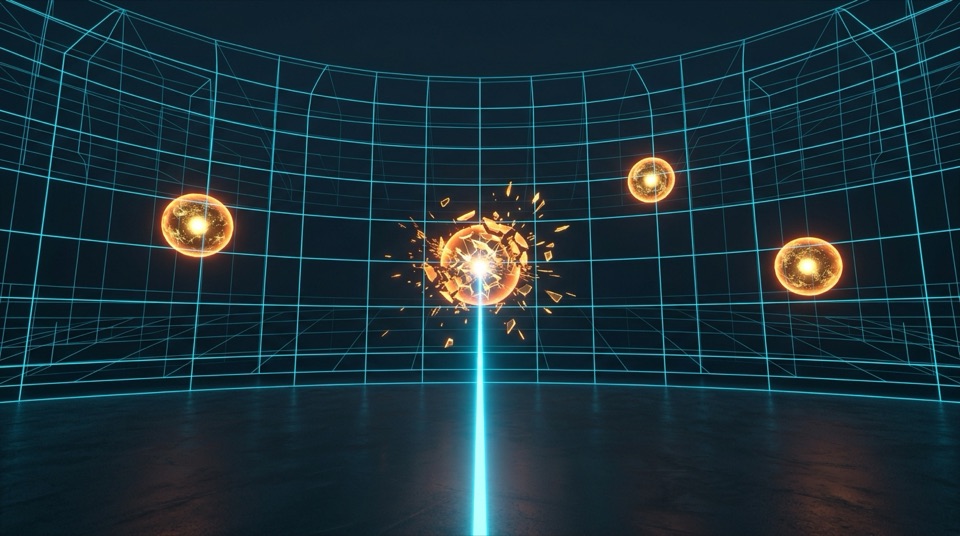
| 3D Gridshot Online | Flick Speed & Target Switching | Four simultaneous orbs on a curved 3D matrix with instant non-repeating respawns | Warming up wrist and arm speed quickly and trading multiple site defenders |
| 3D Microflick | Depth Perception & First-Shot Precision | Small decaying targets spawning across 11m–22m depths with perspective scaling | Landing clean one-taps on small pixel heads across mid and long sightlines |
| 3D Tracking | Smooth Continuous Mouse Control | Single energy orb gliding across X, Y, and Z axes with organic direction changes | Following dashing duelists, air-strafing opponents, and pistol-round wide swings |
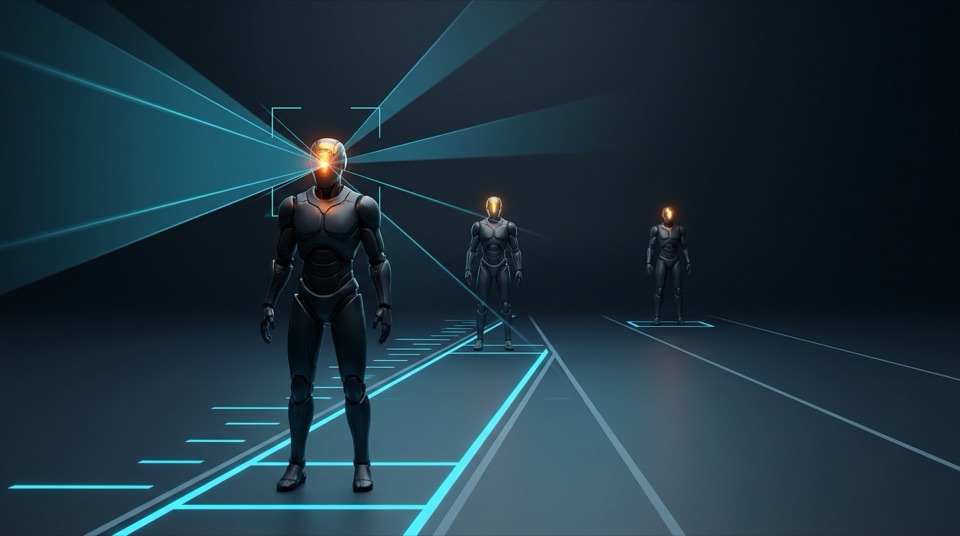
| 3D Bot Range | Crosshair Placement & 1-Tap Headshots | Strafing humanoid range bots (10.5m–22.5m) with separate 1-tap head and 2-hit torso hitboxes | Maintaining 1.6m head-level crosshair placement against counter-strafing rifles |
Muscle memory only transfers to ranked matches when a 3D aim trainer rotates your camera by the exact same radian angle per mouse count as your main FPS. Our camera rig applies the standard VALORANT yaw and pitch multiplier of 0.07 degrees per mouse count, paired with a default 103° horizontal field of view.
If you play Counter-Strike 2 on a 16:9 monitor, open Settings inside the arena, slide Horizontal FOV to 106°, and divide your CS2 sensitivity by 3.1818 to match your physical cm/360° turn distance. Always verify consistency using physical cm/360° rather than raw eDPI across different game engines.
| Sensitivity Profile | VALORANT Sens (@ 800 DPI) | CS2 Equivalent (@ 800 DPI) | Turn Distance (cm/360°) |
|---|---|---|---|
| Low Arm Precision | 0.25 (200 eDPI) | 0.80 | 65.3 cm / 360° |
| Balanced Pro Average | 0.35 (280 eDPI) | 1.11 | 46.6 cm / 360° |
| Fast Wrist Flick | 0.48 (384 eDPI) | 1.53 | 34.0 cm / 360° |
Tip: Avoid changing your sensitivity after a single bad round. Keep your cm/360° locked in this 3D aim trainer for at least two weeks so micro-corrections become automatic.
You do not need two hours of exhausting drills to shoot crisply in competitive queues. Run this structured 10-minute sequence in our 3D aim trainer online right before queuing:
Play one full run of the Story Campaign prototype stage. Transitioning from static calibration orbs into 3-second overload cores wakes up visual confirmation without rushing wild shots.
Switch to Free Range and run two 60-second rounds of 3D Gridshot on Medium. Focus on drawing straight lines between orbs while keeping your grip tension light and accuracy above 88%.
Run two rounds of 3D Tracking. Match the orb's velocity smoothly instead of jerking your wrist ahead of it—this eliminates jittery micro-stutters during pistol and eco rounds.
Finish with 3D Bot Range. Pause a fraction of a second to confirm the bot's head hitbox as it changes strafe direction, aiming for an 80%+ headshot rate before entering ranked.
Desktop suites like Aimlabs and KovaaK's offer thousands of community scenarios and deep analytics, making them great for long-term off-season grinding when you have Steam installed. By contrast, a browser-based 3D aim trainer online is built for zero-friction accessibility: it launches in under a second on Windows, macOS, Linux, or laptops with no downloads, patches, or background services.
Within AimTrainer itself, use this 3D firing range when you want full 360-degree camera freedom, vertical elevation control, Gridshot rhythm, and strafing bot headshots. When you specifically want to drill defender reaction timing on tight wall corners like Ascent A Main, pair it with our homepage Classic 2D Peek Drill.
Answers on browser performance, FOV calibration, campaign saves, and sensitivity setup.
Yes. Both the Echo Protocol Story Campaign and all four Free Range 3D modes run natively in modern web browsers via WebGL with no client installation, no account wall, and no fee.
Open Settings in the top bar of the arena and enter your exact VALORANT sensitivity directly—the default 103° horizontal FOV and 0.07° yaw multiplier match VALORANT 1:1. For CS2 on 16:9, divide your CS2 sensitivity by 3.1818 and set Horizontal FOV to 106°.
Yes. Select the Free Range tab and choose 3D Gridshot. Four 3D orbs stay active on a curved spatial matrix with instant non-repeating respawns, live Hits/sec (KPS), combo multipliers, and Easy/Medium/Hard orb sizes.
Instead of a plain countdown timer, Story Campaign moves your camera automatically through three consecutive sectors as you clear calibration beacons and intercept 3-second spiked overload cores. Clearing all three waves with armor remaining awards 1 to 3 stars and unlocks classified lore logs.
Overload Cores use a faceted octahedral diamond body, four radial hazard spikes, and a shrinking outer countdown torus ring rather than relying on color alone, plus a toggle in Settings to reduce flash and sway effects.
Phase 1 campaign stars and unlocked logs are stored locally in your browser. You can export a UTF-8 JSON backup file from the stage select screen at any time and preview-merge it on another computer without overwriting higher star ratings.
Yes. Your equipped weapon skin overlay, combo kill audio, left/right weapon hand preference, and custom crosshair settings sync automatically between the 2D arena and this 3D aim trainer, and signed-in Free Range runs save to your cloud training history.
No. AimTrainer is an independent browser training tool and is not affiliated with, endorsed by, or connected to Riot Games, Inc. or Valve Corporation. VALORANT and Counter-Strike / CS2 are registered trademarks of their respective owners.
Independent Aim Training Tool: Not affiliated with Riot Games or Valve. All game trademarks belong to their respective owners.